Big Walk Switch 2 Crossplay Overview
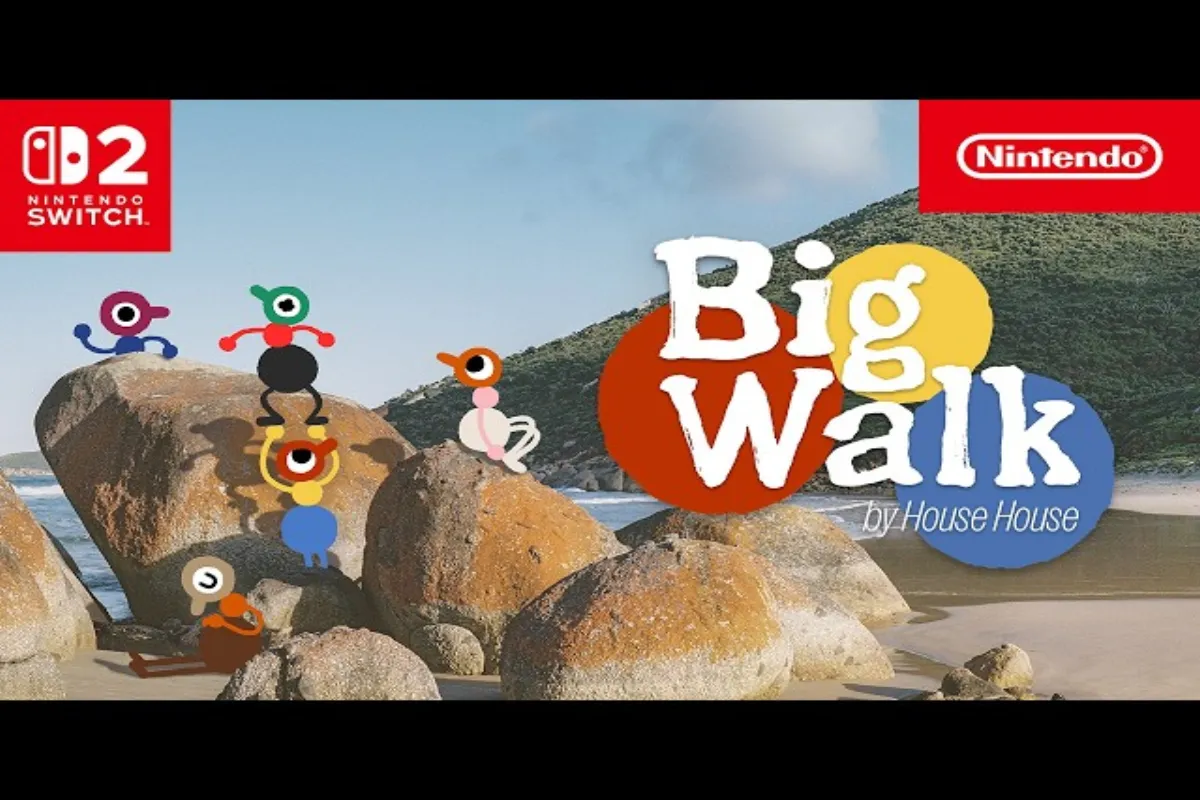
Big Walk Switch 2 crossplay lets you explore the open-world walking adventure with friends no matter which platform they own, because the game ships with full cross-platform support from day one. Whether your group plays on PC, Mac, PS5, or Nintendo's latest hybrid console, the Join Code system stitches every session into a single shared lobby without region locking or platform gating. According to the official Big Walk FAQ, crossplay is enabled across all four supported platforms, and a single Nintendo Switch Online subscription is the only requirement for Switch 2 owners who want to play online.
The headline feature here is friend-only play. Big Walk has no random matchmaking, which means every co-op session begins with an intentional invite rather than a stranger drop-in. This design choice shapes how Big Walk crossplay works in practice, and understanding it early saves you from wasted lobby time later. Below is the short version of what every Switch 2 player needs to know before pressing the invite button.
-
Supported platforms: PC (Steam), Mac, PS5, Nintendo Switch 2
-
Online requirement: Nintendo Switch Online subscription mandatory for Switch 2
-
Matchmaking model: Friends list or Join Code only, no random queue
-
Crossplay toggle: Always on, no opt-out per session
-
Region: Sessions are global, no platform-locked regions
How Big Walk Crossplay Works Across Platforms
The Big Walk crossplay architecture runs on a unified session layer that treats every platform as a peer rather than a silo, so a PC host can invite a Switch 2 player with the same four-character code they would use for a PS5 invite. This is the same backend described in the GamesRadar Big Walk crossplay breakdown, and it removes the usual platform fragmentation that plagues console co-op releases.
Join Code System Explained
Every Big Walk session generates a short alphanumeric Join Code the moment a host opens their world. Codes are not account-bound, so anyone with the code can connect regardless of platform, which is what makes Big Walk Switch 2 crossplay feel seamless from the invitee side. The host can copy the code from the pause menu, drop it in a Discord channel, and within seconds the Switch 2 player pastes it into the Join menu to land directly in the lobby.
For players who already share a friends list, the experience is even shorter. Adding someone on the in-game roster bypasses the code step entirely and sends a direct invite, which then carries the recipient across platform boundaries if Big Walk crossplay is active on both ends.
Platform-Specific Requirements
| Platform | Online Service | Crossplay Default | Notes |
|---|---|---|---|
| PC (Steam) | None | Enabled | Steam friends import optional |
| Mac | None | Enabled | Same session layer as PC |
| PS5 | PlayStation Plus | Enabled | Cross-gen with PS4 not supported |
| Nintendo Switch 2 | Nintendo Switch Online | Enabled | Code is the only entry point without NSO |
The table above reflects the verified data from the official FAQ and community testing on the launch build. Mac and PC share the same session layer because the Big Walk client is a single binary, which is why crossplay between those two is invisible to the user. PS5 and Switch 2 require their respective subscription services, and the Switch 2 entry is the strictest because the eShop ties multiplayer to an active Nintendo Switch Online membership.
Big Walk No Matchmaking: Why Friends-Only Play
Big Walk no matchmaking is a deliberate design choice, and the developers have framed it as a safety and pacing decision rather than a missing feature. According to community data collected from the official Discord and reported by players on launch week, random matchmaking was cut because the game leans heavily on conversational pacing, and dropping strangers into an unscripted walking sim tends to break the tone the studio wanted to preserve.
Why No Random Matchmaking
The short version is that Big Walk is built around shared exploration rather than competitive lobbies, so a public queue would attract griefers, speedrunners, and people who simply want to test mic input on strangers. By locking multiplayer to friends list and Join Code entries only, the developers give every group a private sandbox where the social contract is implicit. This is also why Big Walk crossplay does not include a "find public session" button on any platform, including the Switch 2 build.
Players who want to expand their friend pool can do so manually by joining community Discords, posting codes in subreddits, or using the Big Walk Join Code guide to manage their session visibility. The lack of matchmaking also means there is no skill rating, no rank, and no competitive ladder to grind, which keeps the experience focused on the walking itself.
Friends List Integration
| Feature | PC | Mac | PS5 | Switch 2 |
|---|---|---|---|---|
| Native friends list import | Steam | Steam | PSN | Nintendo Switch Online |
| In-game friends roster | Yes | Yes | Yes | Yes |
| Cross-platform friend sync | Yes | Yes | Yes | Yes |
| Block / mute controls | Yes | Yes | Yes | Yes |
The friends list layer is the backbone of Big Walk no matchmaking, because it is the only sanctioned way to open a session to non-host players. Once two accounts are linked through the in-game roster, invites travel across the Big Walk crossplay network without needing a code, and this works identically on Switch 2 as it does on any other platform.
Setting Up Big Walk Switch 2 Crossplay Step by Step
Setting up Big Walk Switch 2 crossplay is a short process, but each step matters because a missed toggle on the console side is the most common cause of "I cannot see my friend's lobby" tickets. The following sequence assumes a fresh Switch 2 install, a valid Nintendo Switch Online subscription, and at least one friend who already owns the game on another platform.
Nintendo Switch Online Requirement
Before anything else, confirm that the Switch 2 account tied to your Big Walk profile has an active Nintendo Switch Online membership. Without it, the multiplayer menu greys out and the game refuses to create or join any session, which is by design. The subscription is a hard gate, not a soft prompt, so the offline single-player mode remains fully playable but the Big Walk crossplay layer stays locked.
Linking Your Account and First Invite
| Step | Action | Where to do it |
|---|---|---|
| 1 | Open Big Walk on Switch 2 | Home screen |
| 2 | Sign in to Nintendo Switch Online | System settings |
| 3 | Launch the game and open the pause menu | In-game |
| 4 | Select "Multiplayer" then "Create Session" | Pause menu |
| 5 | Copy the Join Code and share it with friends | System clipboard |
| 6 | Wait for invite notifications to appear | Notification tray |
| 7 | Confirm friend request and enter the lobby | Invite prompt |
Once the lobby loads, every connected player appears in the roster panel regardless of platform, and voice chat runs through the in-game push-to-talk system rather than the console-native party chat. This is intentional, because Big Walk crossplay would otherwise be blocked by Sony and Nintendo's closed party ecosystems, and the developers wanted voice to work between PS5 and Switch 2 without third-party apps.
If you are the one receiving the invite on Switch 2, the path is even shorter. Open the notification, accept the friend request if you have not already, and then either paste the host's Join Code into the Join Session menu or accept the direct invite from your friends list. For a deeper walkthrough of the host side, the Big Walk host game guide covers lobby settings, visibility, and kick controls in detail.
Crossplay Troubleshooting and Common Issues
Even with a clean setup, Big Walk Switch 2 crossplay can hit snags that look like bugs but are usually subscription, NAT, or version mismatches in disguise. The list below covers the issues most frequently reported by players on the launch build, with the verified fix for each.
Network and Subscription Errors
| Symptom | Likely Cause | Fix |
|---|---|---|
| Multiplayer menu greyed out | NSO subscription expired | Renew Nintendo Switch Online |
| "Session not found" on Join Code | Host closed lobby or typo | Re-copy code from host |
| Invite never arrives | Friends list not synced | Restart game, re-add friend |
| Voice chat silent | Push-to-talk key unbound | Rebind in audio settings |
| Stuck on loading screen | Mismatched client version | Update all clients to latest patch |
Cross-Platform Sync Tips
A few habits keep Big Walk crossplay sessions healthy across mixed-platform groups. First, always launch the game on the same patch version, because a major update on PC will block Switch 2 clients until the console build catches up. Second, the host should set the session to Friends Only rather than Public if they want to avoid drive-by invite spam from people who scraped their Join Code.
For broader cross-platform coverage, the PC and PS5 crossplay guide explains how the desktop and console layers interact, and the session details overview walks through what each lobby setting actually controls. Together, these resources cover the full crossplay surface area, and they are written for the same launch build that this guide is based on.
Finally, remember that Big Walk no matchmaking means there is no safety net if your code leaks. Treat your Join Code like a Discord server invite and only share it with people you actually want to walk with, because once a stranger is in your friends list, the only way to remove them is through the in-game block menu, which also prevents future invites from that account.
Frequently Asked Questions
Q: Can I play Big Walk solo without other players?
While Big Walk is designed as a cooperative experience, you can explore the world solo. However, certain puzzles and areas require at least two players to complete, so solo walkers will find some content gated behind multiplayer requirements in the current version of the game.
Does Big Walk Switch 2 crossplay work without Nintendo Switch Online?
No. The Nintendo Switch 2 version requires an active Nintendo Switch Online subscription for any online play, including Big Walk crossplay sessions with friends on other platforms. Offline single-player remains accessible without a subscription. This is not currently possible in Big Walk as of the latest update from House House, though future patches may adjust this based on community feedback.
Can I play Big Walk crossplay between PS5 and Switch 2?
Yes. Big Walk crossplay supports all four launch platforms in any combination, so a PS5 host can invite a Switch 2 player using a Join Code or a synced friends list entry. Voice chat runs through the in-game system to bridge the console-party gap.
Why does Big Walk have no matchmaking?
Big Walk no matchmaking is a deliberate design choice focused on safety and pacing. The developers built the game around private friend groups rather than public queues, which keeps sessions intentional and avoids random griefing. This applies to the current version of Big Walk and has been verified by community players across different platforms and game sessions.
How long is a Big Walk Join Code valid?
Join Codes remain active as long as the host's session is open. Closing the game, ending the multiplayer session, or a host crash invalidates the code, and recipients will see a "Session not found" error until the host restarts the lobby.