
Crossplay
Complete crossplay guide for Big Walk — Join Codes, hosting sessions, platform differences, and troubleshooting for PC, PS5, and Switch 2
Introduction
Crossplay in Big Walk allows seamless multiplayer between PC (Steam/Mac), PlayStation 5, and Nintendo Switch 2. The Join Code system makes cross-platform sessions simple: the host generates a code, shares it with friends on any platform, and anyone can connect. Understanding hosting responsibilities is crucial since the host is the sole keeper of the save game — when they disconnect, everyone must leave. Platform-specific differences exist, particularly for Mac App Store users who lack a built-in friends list.
Platform & Session Features
| Feature | Details | Notes |
|---|---|---|
| Join Code | Cross-platform session joining | Host shares code, anyone connects |
| Platform Friends | Auto-discovery via friends list | Steam/PS5/Switch 2 friends lists |
| Session Password | Adjustable mid-game | Via Session Details in menu |
| Host Save | Host is sole save keeper | Choose host carefully for continuity |
| PS Plus | Free on PlayStation Plus day one | Launch window promotion |
Session Setup
Join Code
Cross-platform session joining
Platform Friends
Auto-discovery via friends list
Host Save System
Host is sole keeper of save
Session Password
Adjustable mid-game security
PS Plus Free Day One
Launch window promotion
Core Mechanics
Crossplay mechanics in Big Walk center on the Join Code system — a simple alphanumeric code that the host generates and shares with players on any platform. The host system assigns one player as the session's anchor: they maintain the save state and their disconnection ends the session for everyone. Platform friends lists provide automatic session discovery for same-platform players, while Join Codes bridge the cross-platform gap. Session passwords can be adjusted mid-game through the in-game menu's Session Details.
Advantages
Big Walk's crossplay system is remarkably simple thanks to the Join Code mechanism. Unlike many games that require account linking or platform-specific friend systems, Big Walk's Join Code works universally across all platforms with no additional setup. The host-based save system also simplifies session management — everyone knows who to contact to continue their adventure. PlayStation Plus day-one availability dramatically reduces the barrier for PS5 players.
Challenges
Crossplay weaknesses center on the host-dependent save system, which creates a single point of failure. If the host loses interest or becomes unavailable, the entire group's progress is inaccessible. The lack of random matchmaking means players must coordinate externally to find groups, which can be challenging for players without existing friend groups. Mac App Store users face a specific disadvantage with no built-in friends list, requiring Join Codes for all sessions. Xbox's absence from the platform lineup limits the potential player pool.
Frequently Asked Questions
How do Join Codes work for crossplay?+
What happens when the host disconnects?+
Is Big Walk on Xbox?+
Quick Tips
Generate your Join Code before friends ask for it. Open Session Details in the in-game menu and note the code. Share it through your preferred messaging app — the code works across all platforms (PC, Mac, PS5, Switch 2).
If you're on Mac App Store, you won't have a platform friends list. Always use Join Codes for session joining. Steam users can use either platform friends (auto-discovery) or Join Codes for cross-platform play.
Test your connection before a long session. Have one friend join first and verify voice chat is working before inviting the whole group. This prevents wasting everyone's time troubleshooting when you could be solving puzzles.
Featured
Big Walk Cross Platform Play: Complete Crossplay Guide
Big Walk cross platform play connects PC, Mac, PS5, and Switch 2 players. Learn how crossplay works, why there's no matchmaking, and how Join Codes work.
Big Walk Host Game: Full Crossplay Setup & Matchmaking Guide
Learn how to host a Big Walk game with friends, enable crossplay across PC and console, and work around the lack of matchmaking for smooth co-op sessions.
Big Walk How to Get Join Code: Complete Crossplay Setup Guide
Stuck on Big Walk how to get join code issues? This guide covers crossplay setup, fixing no matchmaking errors, and inviting friends across platforms.
All Articles
Big Walk How to Join Friends With Crossplay Codes
Learn Big Walk how to join friends using platform lists or Join Codes. Full Big Walk crossplay setup across PC, Mac, PS5, and Switch 2, including Big Walk no matchmaking workarounds.
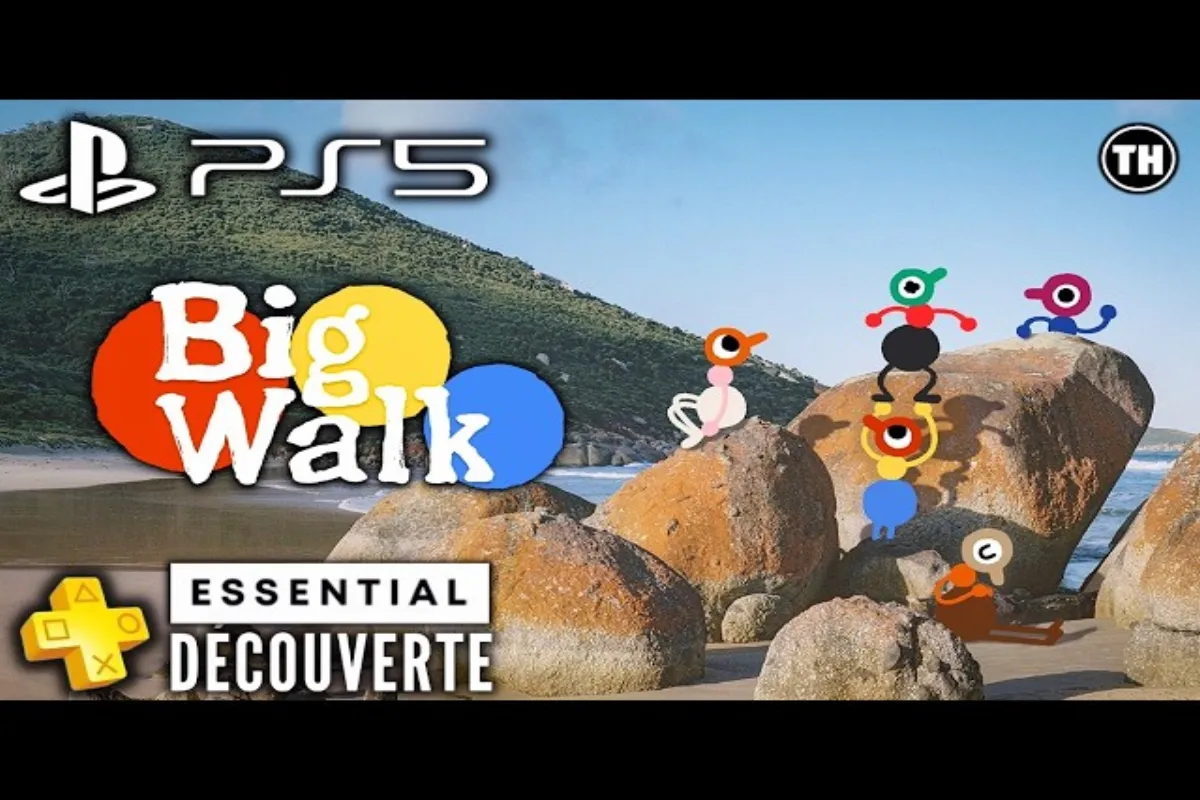
Big Walk PC PS5 Crossplay Guide: Codes & Setup Tips
Learn how Big Walk PC PS5 crossplay works, why there is no random matchmaking, and how Join Codes connect PC and PlayStation 5 players seamlessly.
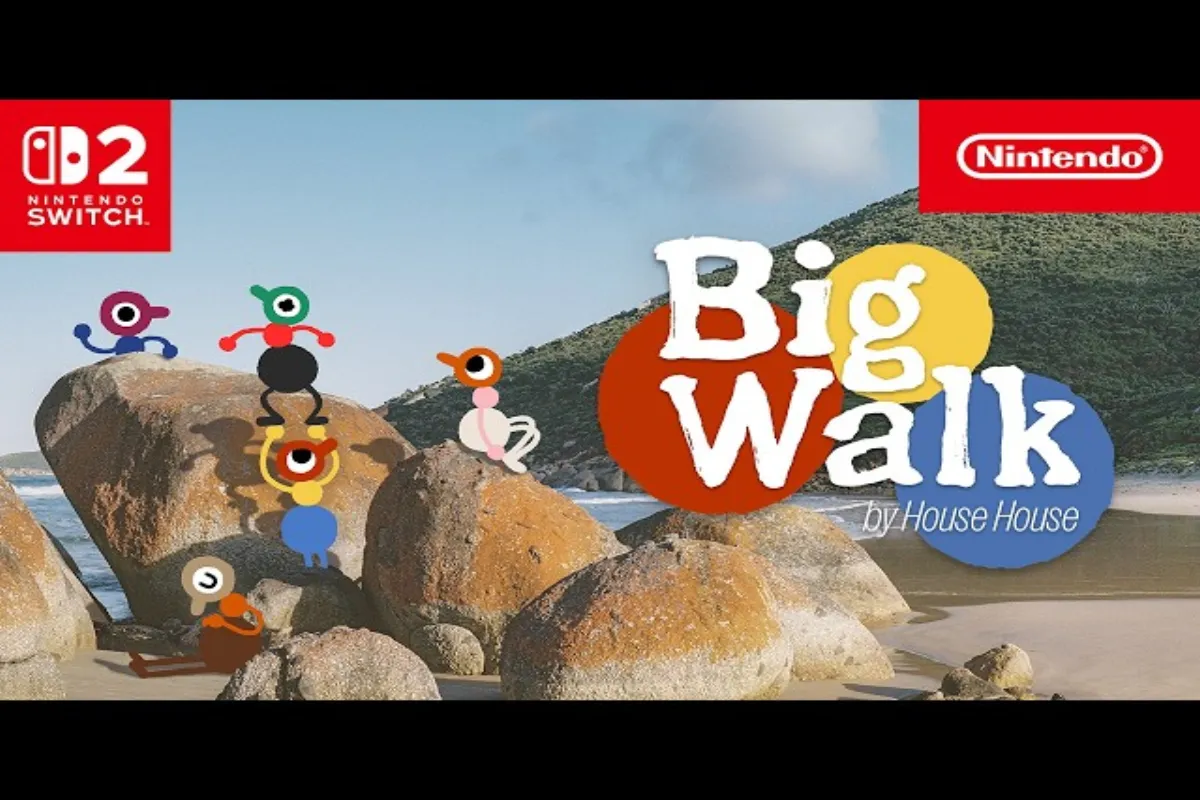
Big Walk Switch 2 Crossplay: Full Setup & Matchmaking
Set up Big Walk Switch 2 crossplay in minutes. Learn how to connect with friends across PC, PS5, Mac, and Nintendo Switch 2 using Join Codes.
Big Walk Session Details: Join Codes, Players & Settings
Master Big Walk session details to manage join codes, passwords, and connected players. Learn how Big Walk crossplay works without random matchmaking.
Big Walk Join Code: How to Party Up and Fix Matchmaking
Learn how to use the Big Walk join code system, enable crossplay across platforms, and troubleshoot no matchmaking errors with friends in this complete guide.