Accessibility
Big Walk accessibility features — challenge skipping, motion reduction, FOV adjustment, control rebinding, visual aids, and performance optimization
Introduction
Big Walk features a comprehensive accessibility system that ensures players of all abilities can enjoy the cooperative adventure. The host can enable challenge skipping for puzzles requiring hearing, speech, quick reactions, or fine motor skills. Motion Reduction Overlays help players sensitive to motion, FOV adjustment reduces claustrophobia, and fully rebindable controls support both keyboard/mouse and controllers. Visual aid items in the game world highlight interactive objects for easier discovery.
Accessibility Options Overview
| Feature | Category | Location | Benefit |
|---|---|---|---|
| Challenge Skipping | Gameplay | Session Start | Skip puzzles needing hearing/reactions |
| Motion Reduction | Visual | Settings > General | Reduces motion sickness |
| FOV Adjustment | Visual | Settings > Graphics | Reduces claustrophobia |
| Control Rebinding | Input | Settings > Rebinding | Full keyboard/mouse + controller |
| Visual Aids | Discovery | In-game items | Highlight interactive objects |
Settings Guide
Challenge Skipping
Host-enabled puzzle bypass
Motion Reduction
Visual overlays for motion sensitivity
Control Rebinding
Fully customizable inputs
Visual Aids
In-game items for interactive discovery
Crosshair Customization
Adjustable crosshair styles
Core Mechanics
Big Walk's accessibility framework is built on the principle that communication-based challenges should never exclude players. The host-controlled challenge skipping system allows groups to bypass puzzles that require specific abilities like hearing, speech, quick reactions, or fine motor skills. Motion Reduction Overlays address motion sensitivity, FOV adjustment helps with claustrophobia, and fully rebindable controls support both standard and adaptive input devices. Visual aid items in the game world highlight interactive objects for easier discovery.
Advantages
Big Walk's accessibility system is unusually comprehensive for a co-op game, with the challenge skipping feature being particularly notable — it allows groups with mixed abilities to play together without requiring every player to perform every challenge. The motion reduction system, FOV adjustment, and control rebinding cover the most common accessibility needs, while visual aid items integrate accessibility into the gameplay rather than relying solely on menu options.
Challenges
Big Walk's accessibility system, while comprehensive, has some limitations. Challenge skipping must be enabled by the host at session start — it cannot be toggled mid-session, which means accessibility needs must be communicated before playing. The proximity voice chat system inherently requires hearing ability for full participation; text chat exists but is significantly slower. Some puzzles rely on visual cues that may be difficult for players with visual impairments, though visual aid items help mitigate this.
Frequently Asked Questions
Can I skip puzzles that are too difficult?+
How do I reduce motion sickness in Big Walk?+
Can I rebind all controls in Big Walk?+
Quick Tips
Have the host enable challenge skipping at session start if anyone in your group might need it. This prevents mid-session disruptions when a player encounters a barrier. Skipping is not cheating — it's an intentional accessibility feature designed to include everyone.
Lower Render Scale first, then Quality, then raise Render Scale back. This is the official performance optimization order from the FAQ. Render Scale has the biggest GPU impact, Quality affects both CPU and GPU, and raising Render Scale back improves visuals once performance is stable.
If you're sensitive to motion, enable Motion Reduction Overlays immediately in Settings > General. Also adjust FOV in Settings > Graphics — a wider field of view reduces the claustrophobic feeling that can trigger discomfort during camera movement.
Featured
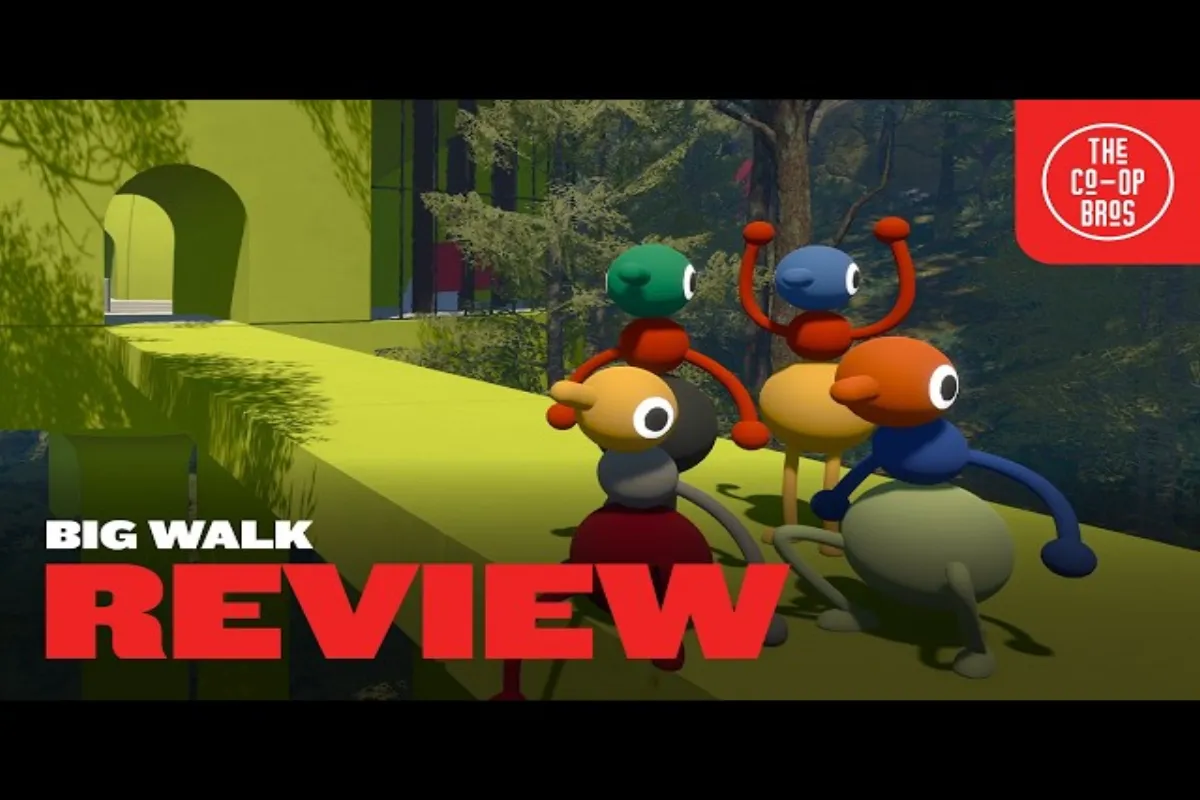
Big Walk Accessibility Features: Complete Guide
Explore every Big Walk accessibility feature from subtitles and FOV adjustment to challenge skipping, control rebinding, and motion overlays for all players.
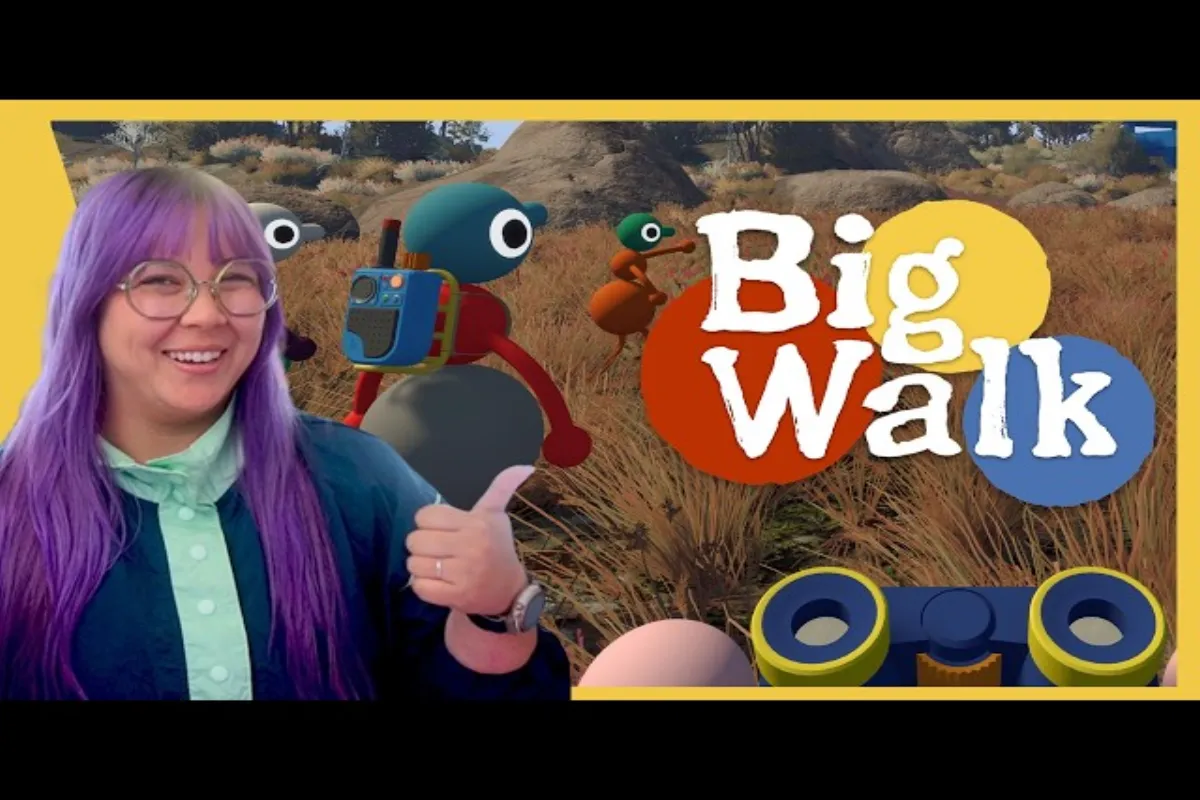
Big Walk Accessibility Settings: Full Customization Guide
Customize Big Walk accessibility settings and subtitles, including motion reduction, FOV slider, visual cues, and full input rebinding on every platform.
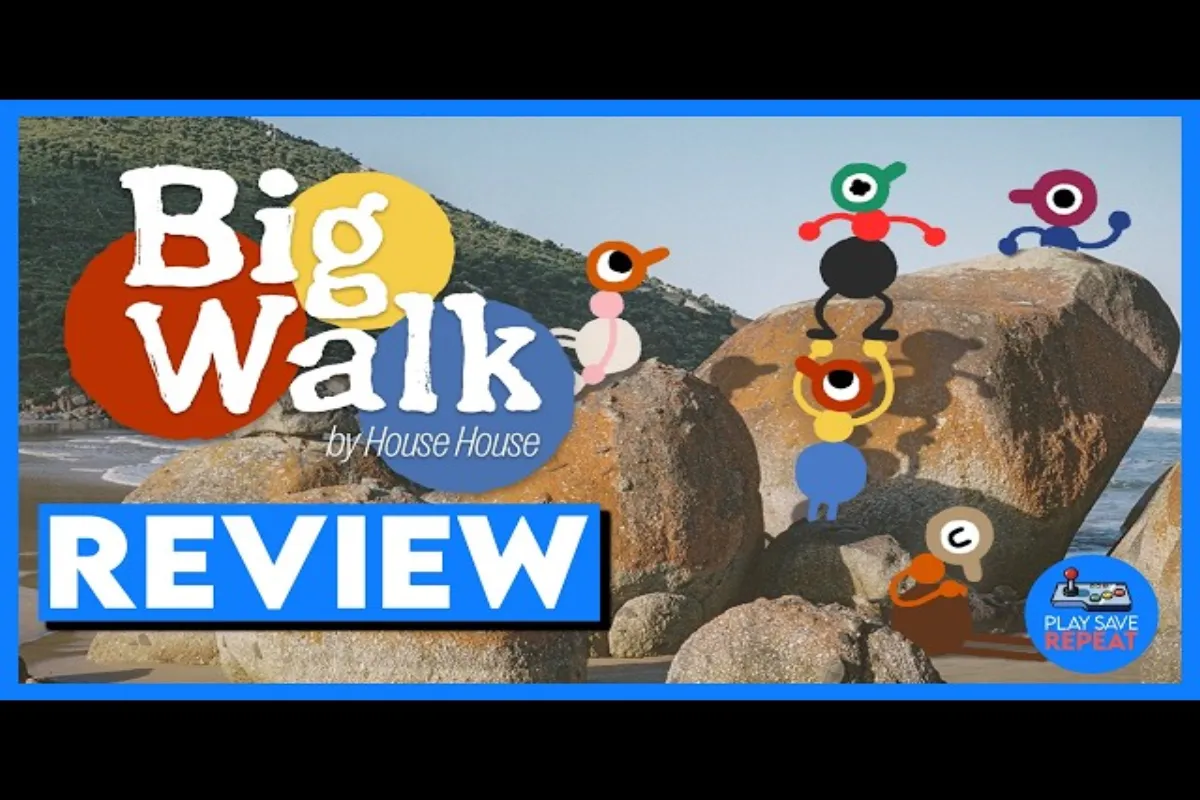
Big Walk FOV Adjustment: Improve Comfort and Clarity
Learn how to optimize Big Walk FOV adjustment for comfort and clarity, plus subtitle settings that make co-op exploration accessible for every player.
All Articles
Big Walk Motion Reduction Overlays: Full Settings Guide
Learn how Big Walk motion reduction overlays work, where to find them in settings, and how subtitles pair with overlays for smoother co-op play.

Big Walk Motion Sickness: Full Comfort & Subtitle Guide
Complete Big Walk motion sickness and subtitle guide covering comfort settings, FOV, motion reduction overlays, text chat, and accessibility tips for smoother co-op sessions.
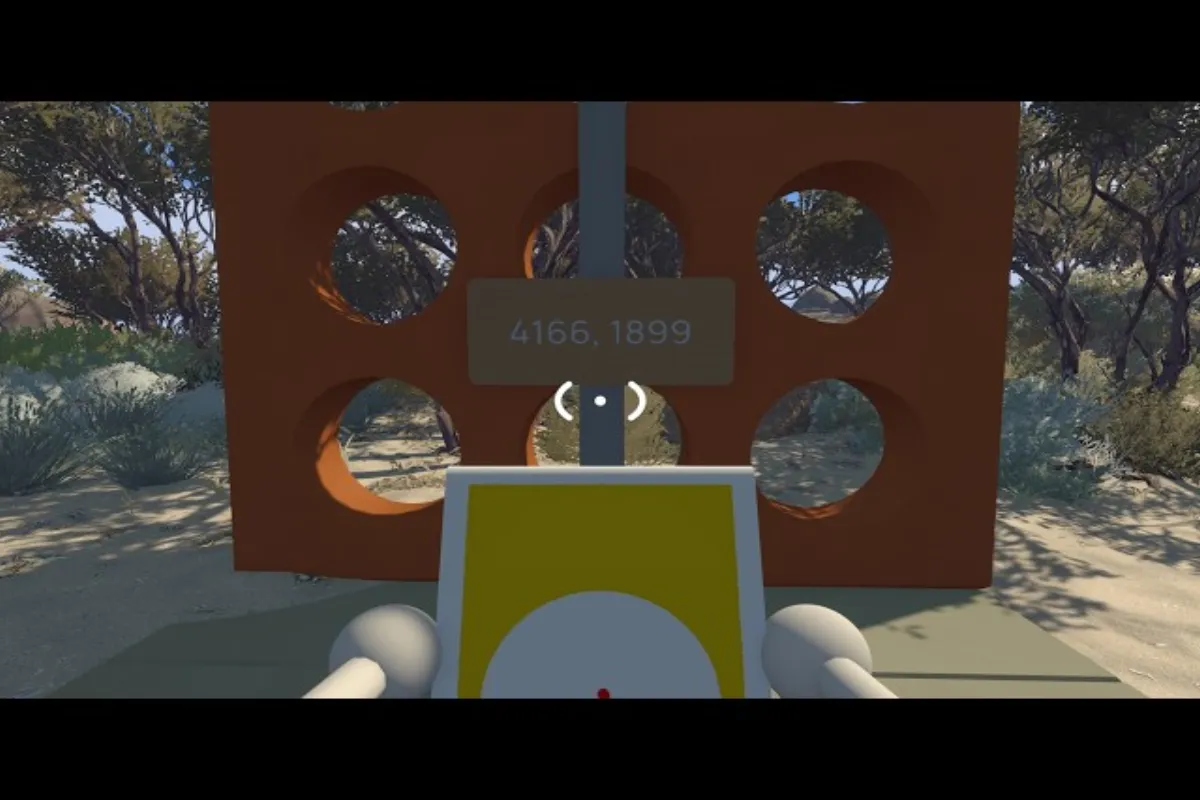
Big Walk Skip Puzzle & Subtitles Accessibility Tips
Learn how to skip puzzles in Big Walk with host controls and configure subtitles for full audio accessibility. A step-by-step guide for solo and co-op players.
Big Walk Can You Skip Challenges and Use Subtitles
Learn whether Big Walk can you skip challenges, how the host toggle works, and what Big Walk subtitles cover for hearing and motor accessibility.

Big Walk Challenge Skipping: A Full Accessibility Guide
Learn how Big Walk challenge skipping works, when it appears, and how Big Walk subtitles pair with text chat to make co-op accessible for every player.